
Catalog Guide
How to use the catalogs.
Ten quick steps to get the most out of every sale.
Step 1
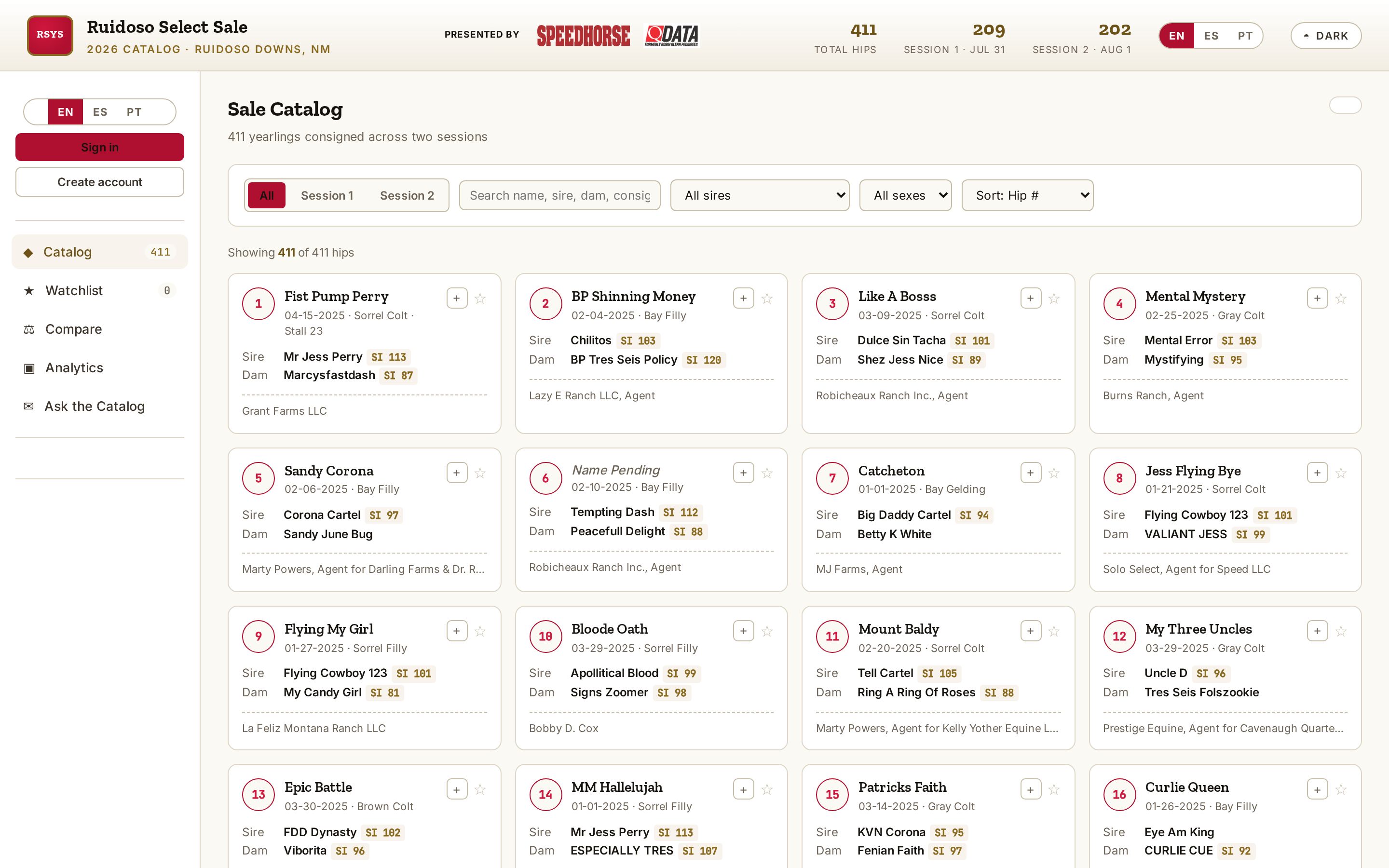
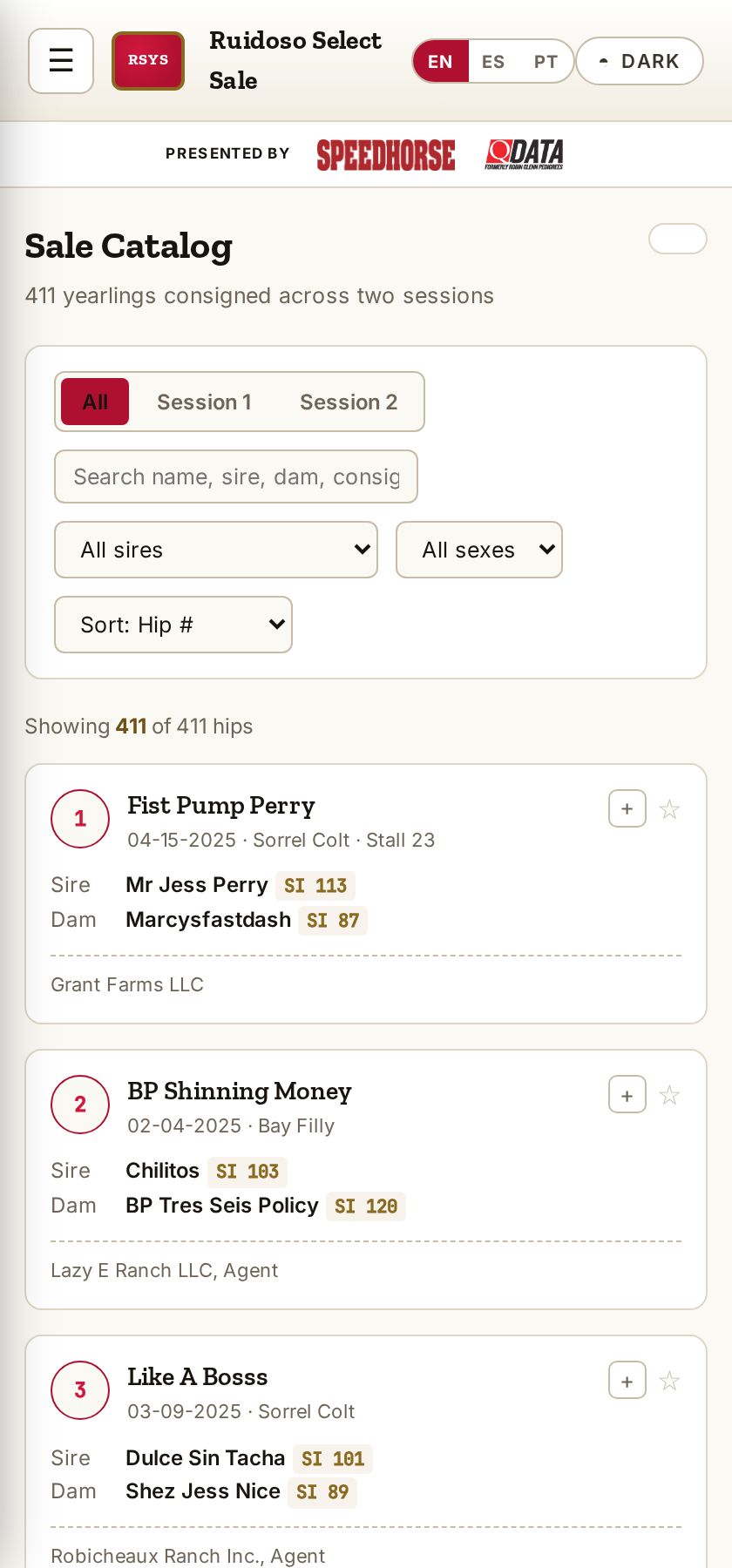
Open a catalog
Pick a sale from Catalog Companion to browse its hips and pedigrees.
Step 2
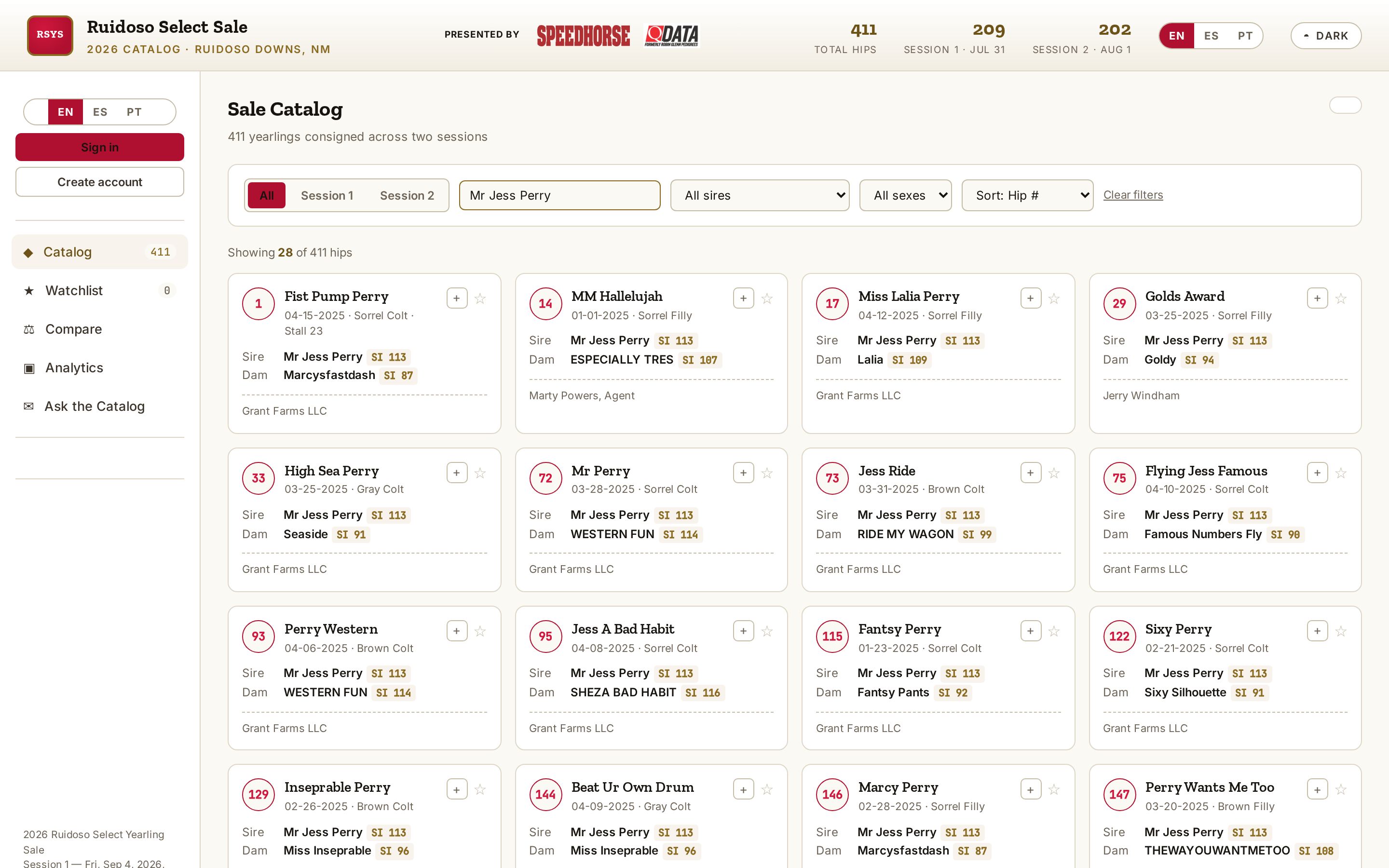
Search and filter
Find hips by name, sire, dam, consignor or session, and filter by sex or color.
Step 3
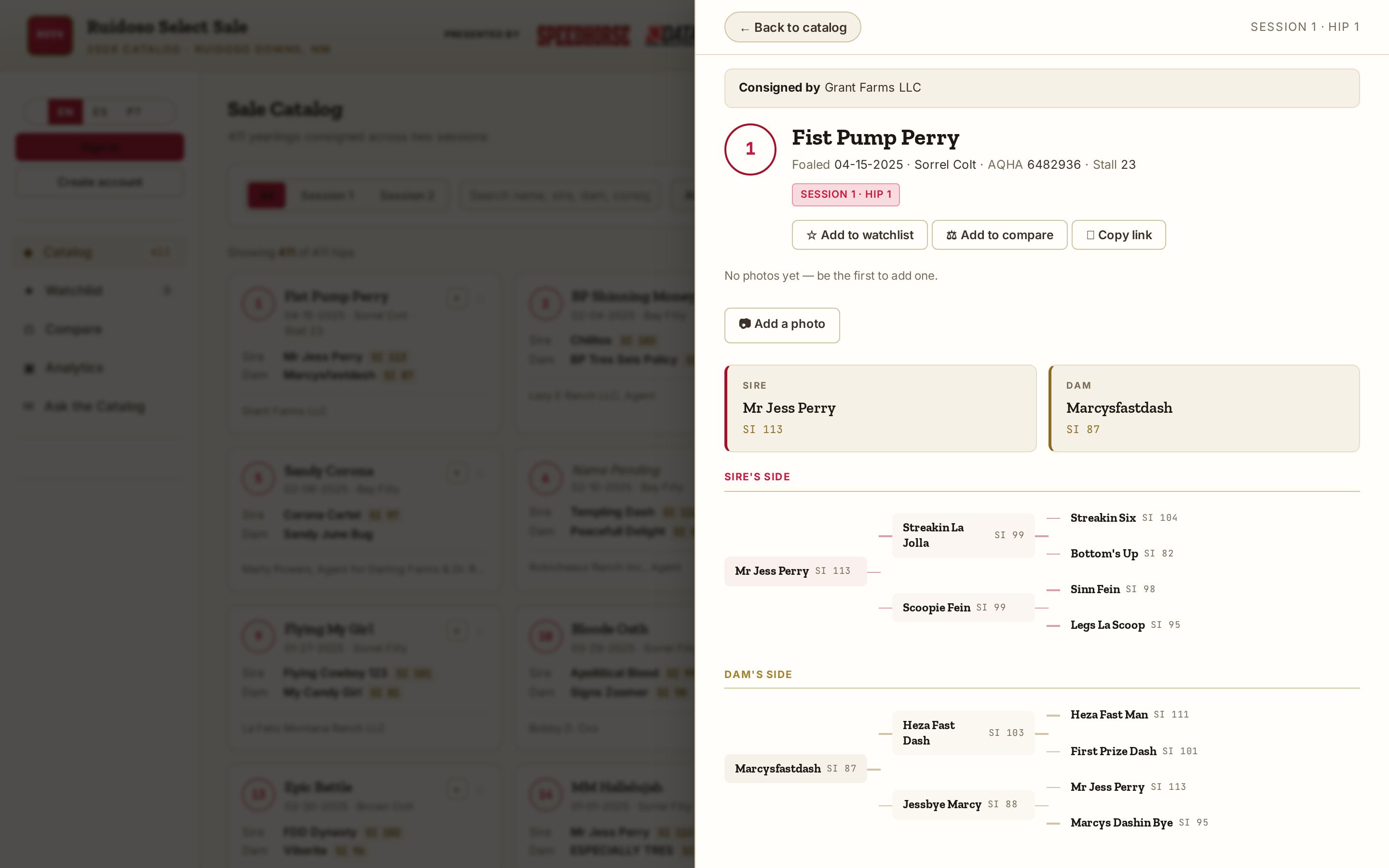
Hip details
Tap any hip to see its full catalog page, consignor and sale information.
Step 4
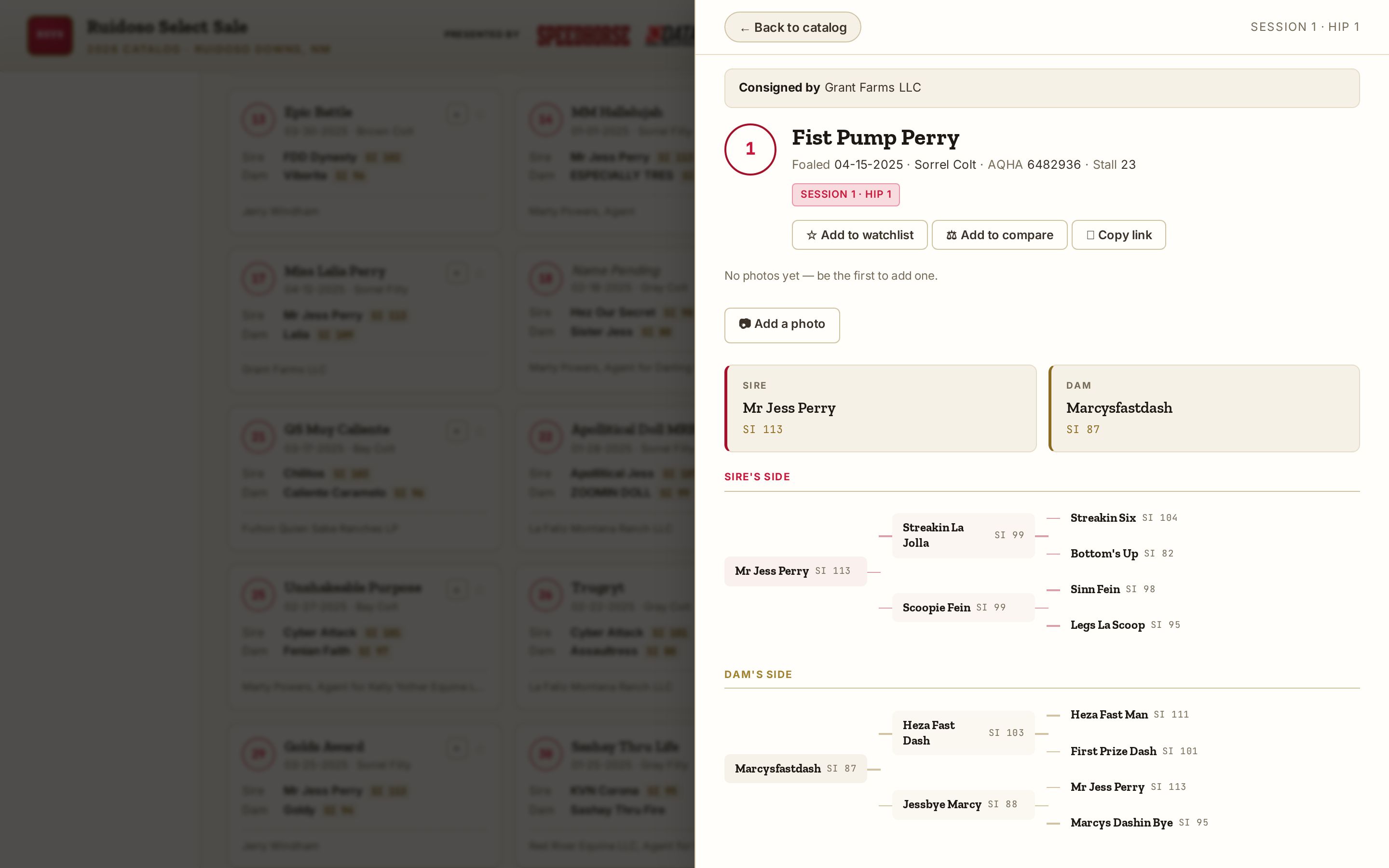
Pedigree
Read the pedigree with speed indexes for each ancestor.
Step 5
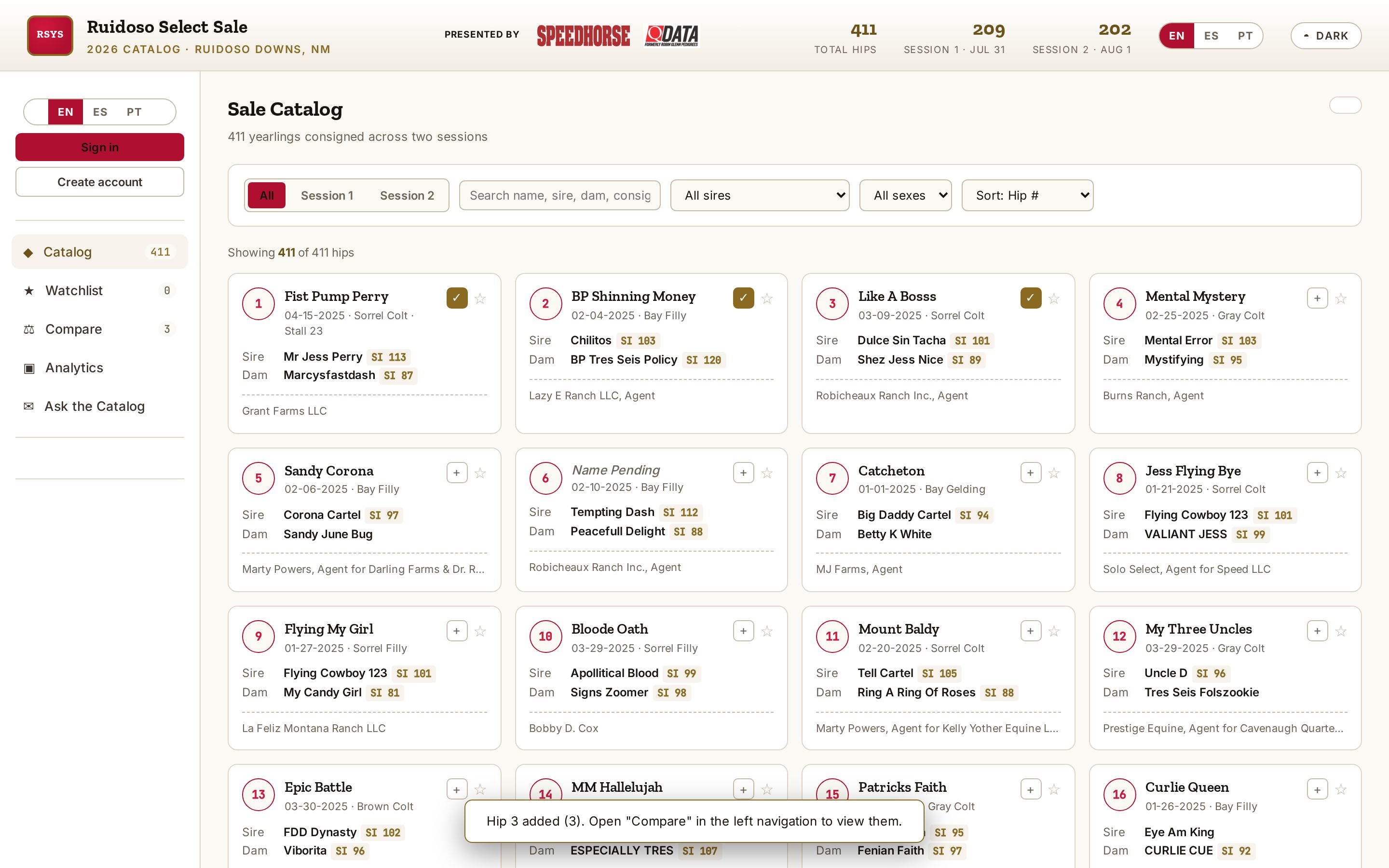
Pick horses to compare
Add hips to the compare bar as you browse.
Step 6
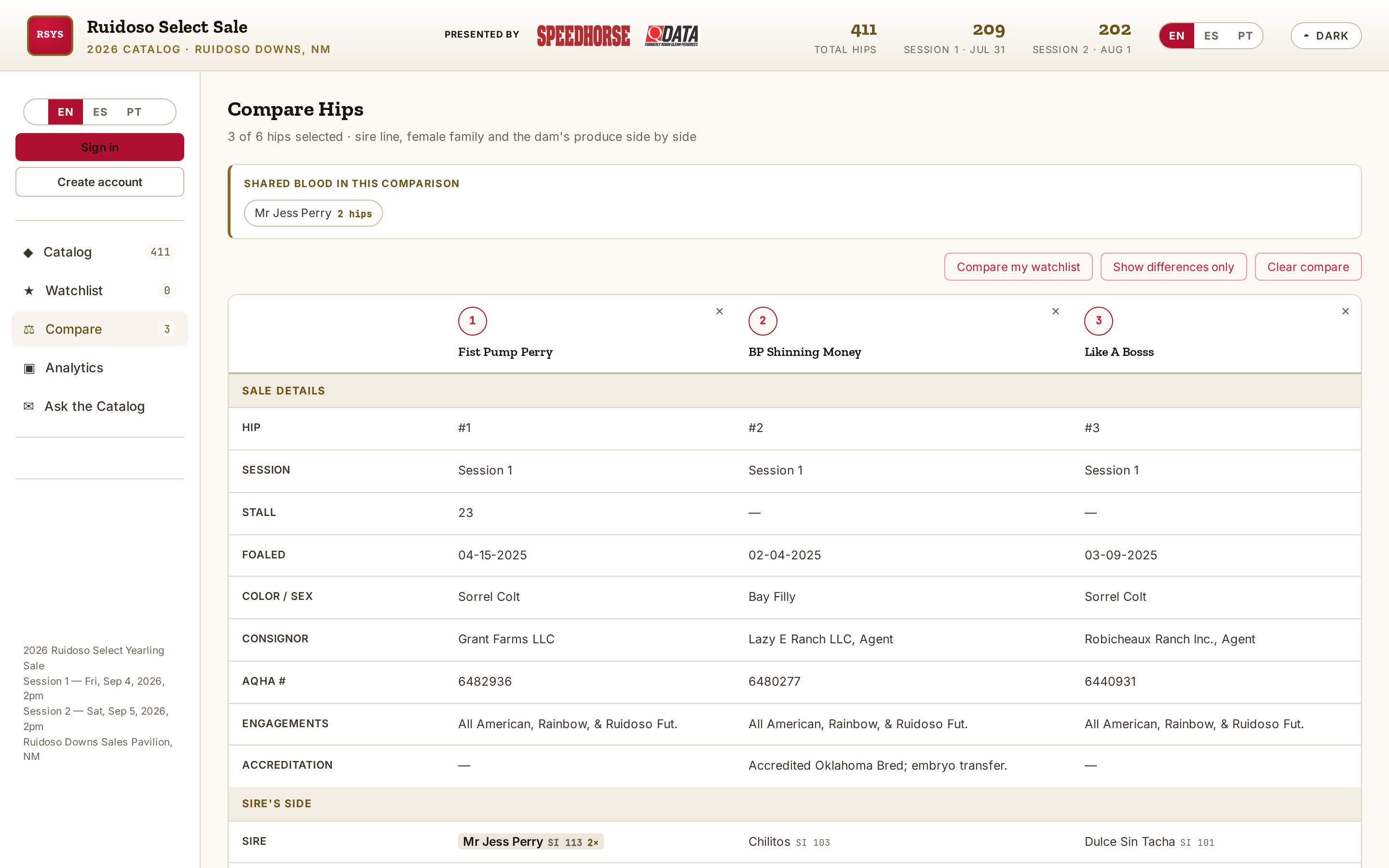
Compare side by side
See your picks next to each other to narrow down your list.
Step 7
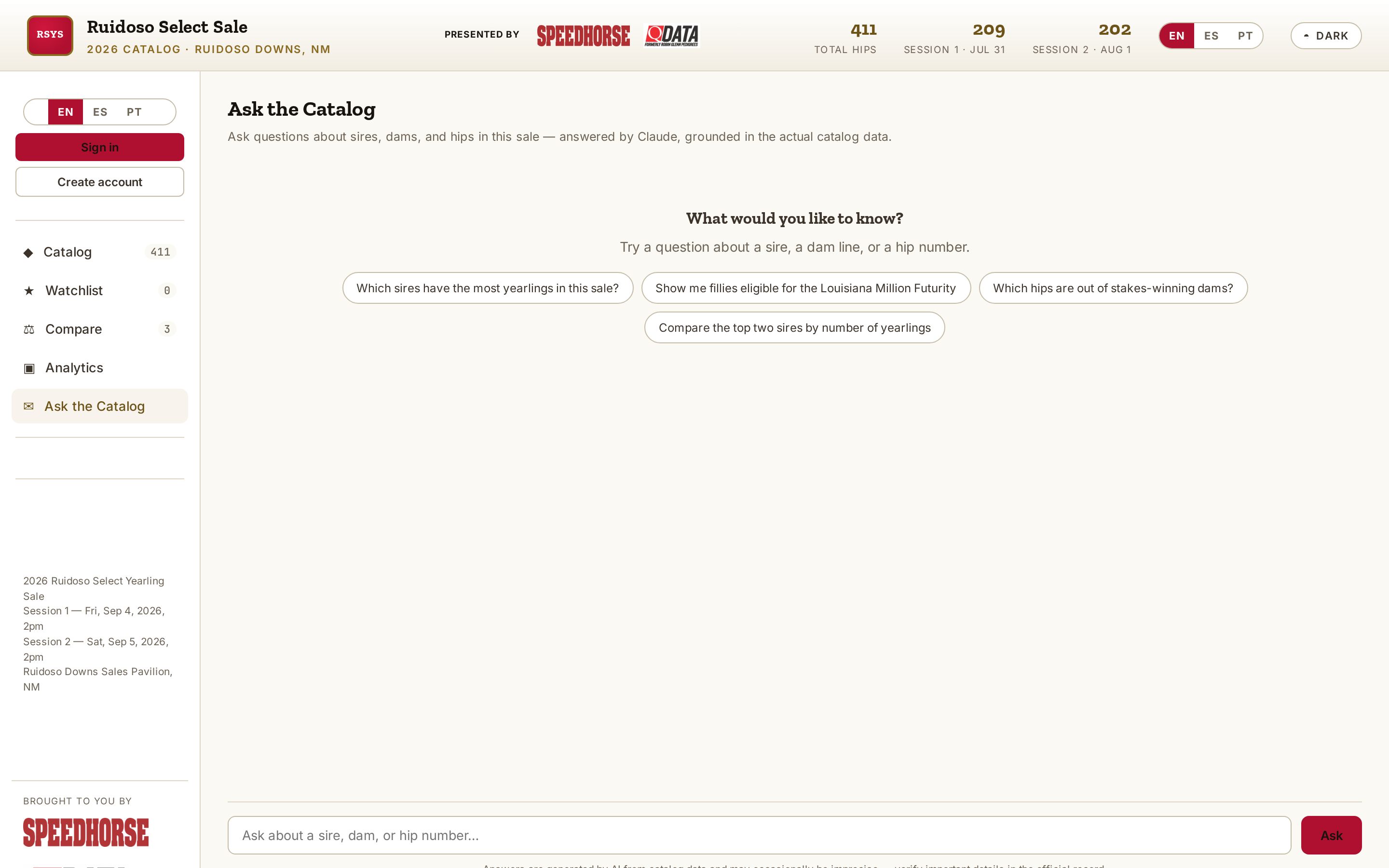
Ask the Catalog
Ask questions in plain English, like “colts by Tres Seis under hip 200”.
Step 8
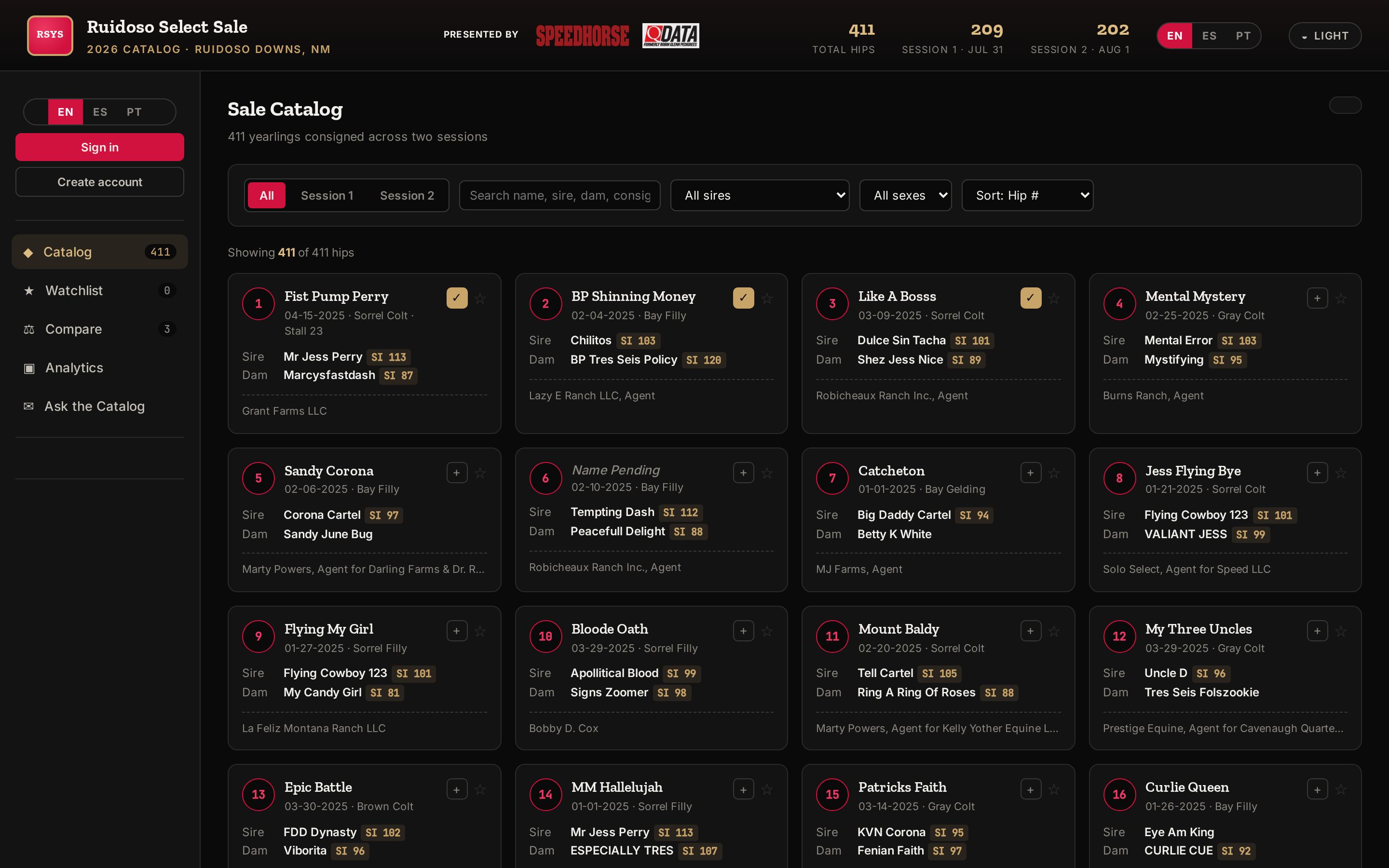
Light or dark
Switch looks for the sale barn or the office.
Step 9
On your phone
Add the catalog to your home screen and use it like an app.
Step 10
Watchlist and notes
Save hips and keep private notes as you look at horses.